
Custom Apps Built for
MISys Manufacturing
Bridging the Gap Between Out-of-the-Box Software
and Real-World Needs
At Central Nervous Systems (CNS), we understand that no two manufacturers operate the same way.
That’s why we’ve developed a suite of custom-built applications designed to extend the capabilities of MISys Manufacturing software.
Our apps are purpose-built to solve the real workflow challenges our clients face—streamlining processes, capturing data in real-time, and simplifying day-to-day operations.
Each app is a one-time purchase with no annual fees, fully supported by CNS, and tailored to work seamlessly alongside MISys.
-
SOM App
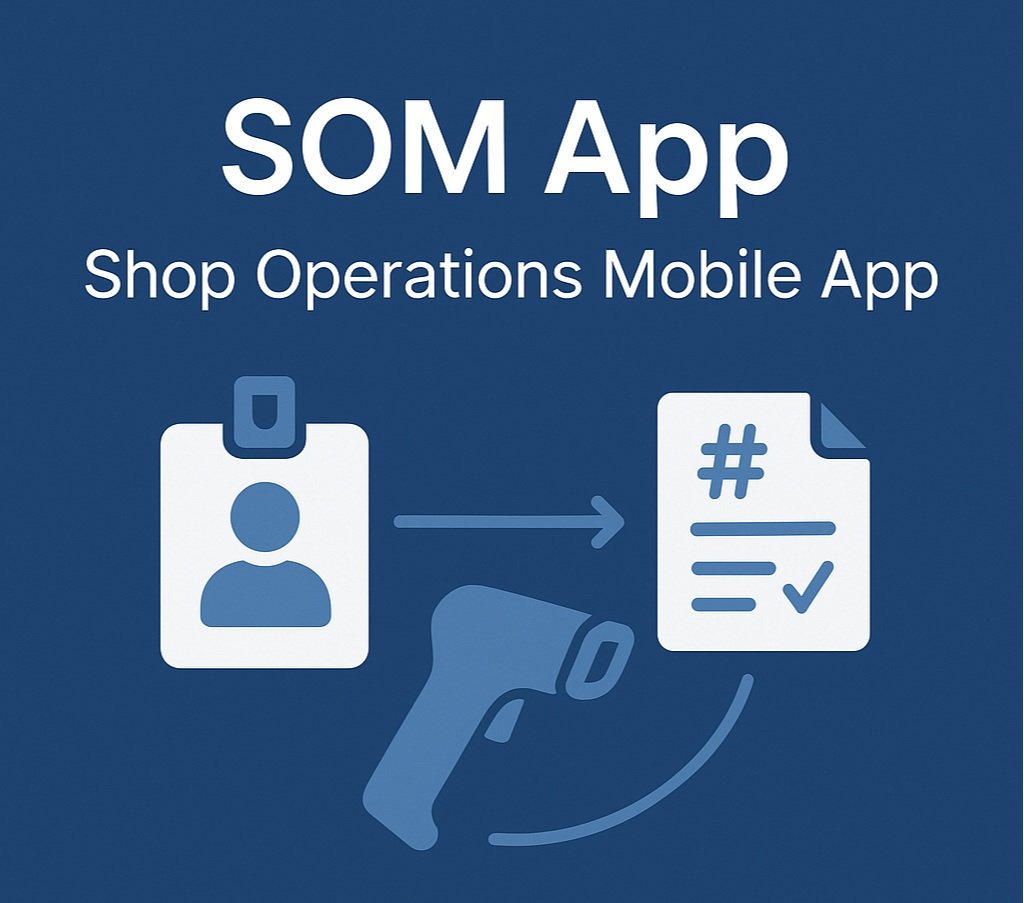
CNS Shop Operations Mobile App allows operators to sign in and out of jobs via scanners, to record operation start and stop times as well transacted qty. The app performs this function in 3 steps where:
Step 1 - Operator scans the barcodes on his his badge and the Shop Traveler for Manufacturing Order# and operation and clicks the ‘Start’ button.
Step 2 - Upon completion, the operator scans the 3 barcodes again.
Step 3 - Operator enters qty. completed and clicks ‘Complete Qty. / End Time’ button
-
SLT App
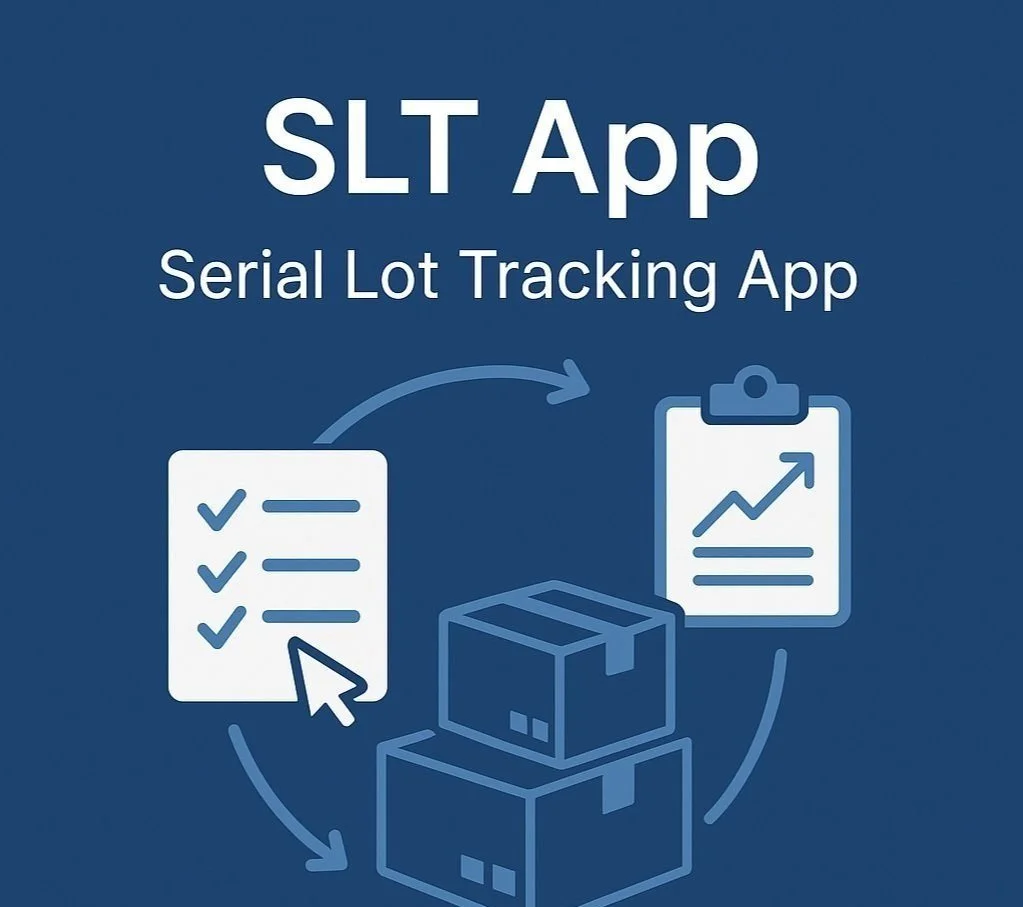
CNS Serial Lot Tracking App is used to adjust inventory levels to ensure digital inventory quantities match physical inventory quantities. The app performs this function in 3 steps where:
Step 1 - Removes the transactions without serial/lot number assignment
Step 2 - Transacts to sync lot level qty. total with stock level qty. total
Step 3 - Aligns digital inventory with physical inventory
-
WebReq App
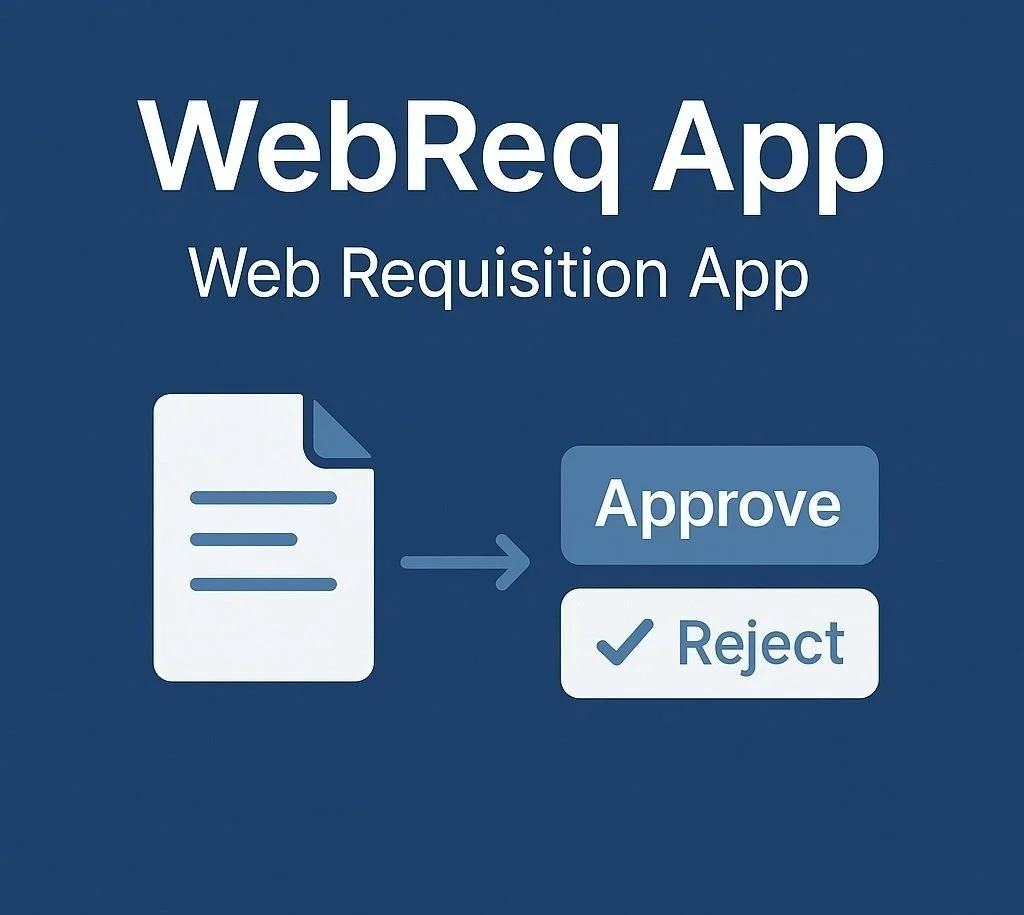
CNS Web Requisition App is used to create a purchasing workflow, allowing users to enter purchase requisitions, which are then submitted for supervisor approvals. The app performs this in 3 steps where:
Step 1 – User enters a Purchase Requisition into the app
Step 2 – Supervisor determines whether to Approve or Reject the submitted requisitions and alerts user
Step 3 - Creates a Purchase Order in MISys
-

LC App
CNS Landed Cost App is used to receive items in inventory at the Landed Cost Value. The app performs this in 3 steps where:
Step 1 – Users enter all relevant Additional Costs into the Purchase Order
Step 2- Additional Costs are prorated against Purchase Order items
Step 3 – Items are received using LC App
Tell us where it hurts.
Central Nervous Systems has the manufacturing expertise and experience to ensure your Manufacturing ERP implementation is done right the first time. If you are a manufacturer who is considering making a change, please get in touch.
Fill out the form below and someone from our office will be in touch within 24 hours.